$ cat ~/work/caseprompts.md
CasePrompts
Prompt like you're assigning the work — not Googling it.
free tools live · Workbench planned Status reviewed Role: Creator, under DepoStack
- method
- CITE — Context · Instructions · Template · Evidence
- covers
- Depositions · records · discovery · experts
- discipline
- Source references · flag unsupported claims
- available
- Free builder & library — no signup
The problem
A short, vague prompt can produce a confident, fluent answer with no usable tie to the supplied record. In litigation, that answer still needs source checking and professional review.
Changing models does not fix vague instructions. A better prompt defines the task, the requested format, and the evidence the model may use.
The decision: assign the work with CITE
CasePrompts is built on CITE — Context, Instructions, Template, Evidence. You give the model the context of the matter, explicit instructions for the task, the exact template you want the output in, and the evidence it's allowed to work from. That structure makes the task and evidence boundary explicit.
It turns prompting from a wish into an assignment: here's the record, here's the job, here's the format, and here are the rules.
The source-reference discipline
The citation rule follows the source: page:line for a transcript, timestamps for a recording, or Bates and page references for documents. If a claim isn't in the record, the prompt instructs the model to say so instead of inferring. A reference makes the finding inspectable; it does not prove it correct. Every output still needs professional review.
I built them from the operating side of court reporting, where citing the source is part of the job.
What you can use today
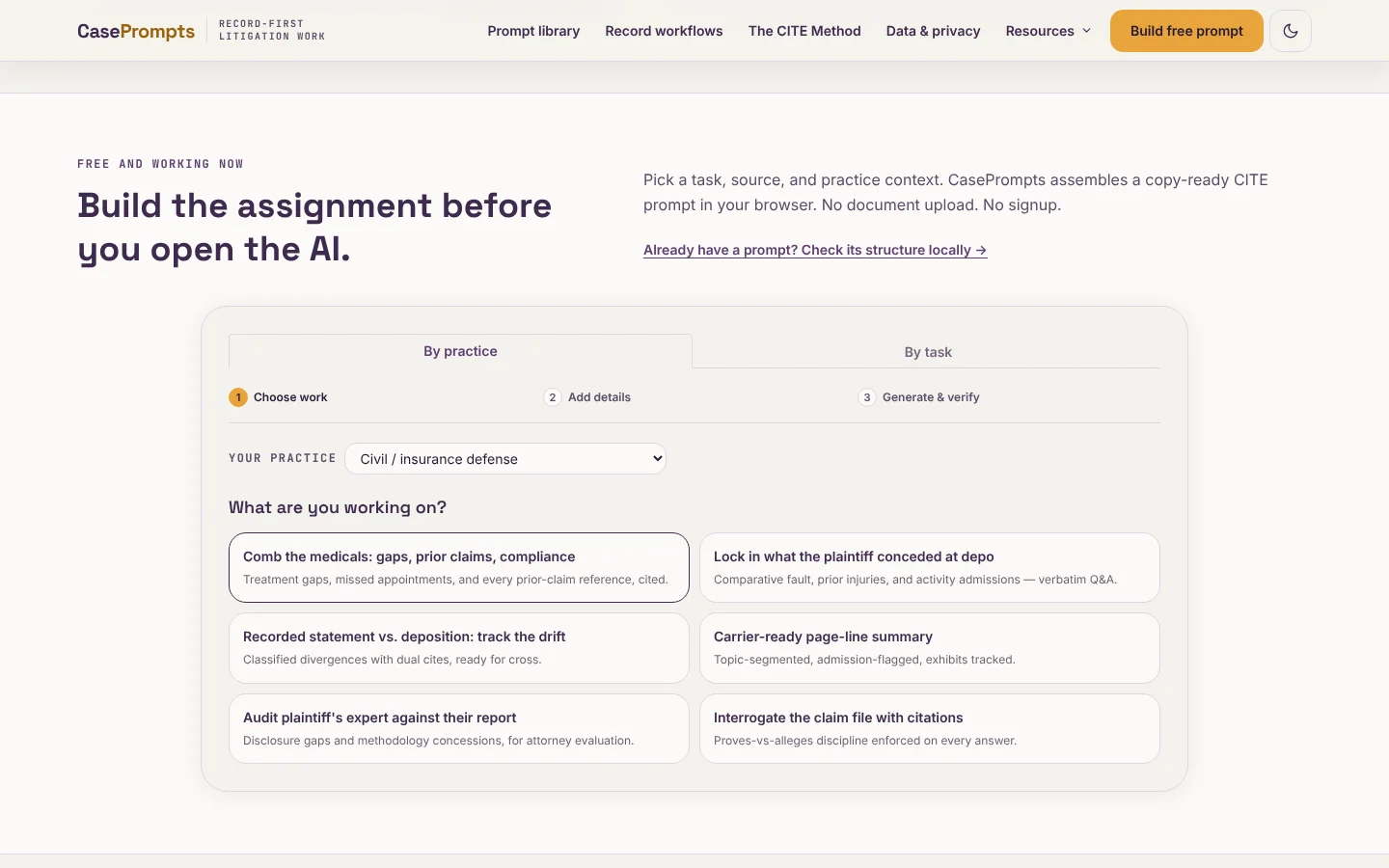
The free builder assembles a CITE prompt in your browser, and the library offers ready-made starting points for deposition summaries, medical-record review, discovery, and expert prep. The public tools generate prompt text without accepting case files. Optional cloud prompt review is a separate action you choose to run.
What's next
Workbench is a separate planned product preview under DepoStack, with no live file upload or matter processing. CasePrompts is a commercial product direction; the builder and published library are free to use without signup. Workbench pricing and access terms are not set, and the free tools remain available alongside that planned work.
Evidence