$ cat ~/work/depoaudio.md
DepoAudio
Free the record from proprietary court-audio formats.
v1.0.2 · win + mac Status reviewed Role: Creator, under DepoStack
- type
- Desktop app · free & open source
- stack
- Tauri · Rust · React · FFmpeg
- platforms
- Windows 10/11 x64 · macOS 13.3+ universal
- privacy
- on-device · no cloud uploads · no accounts
The problem
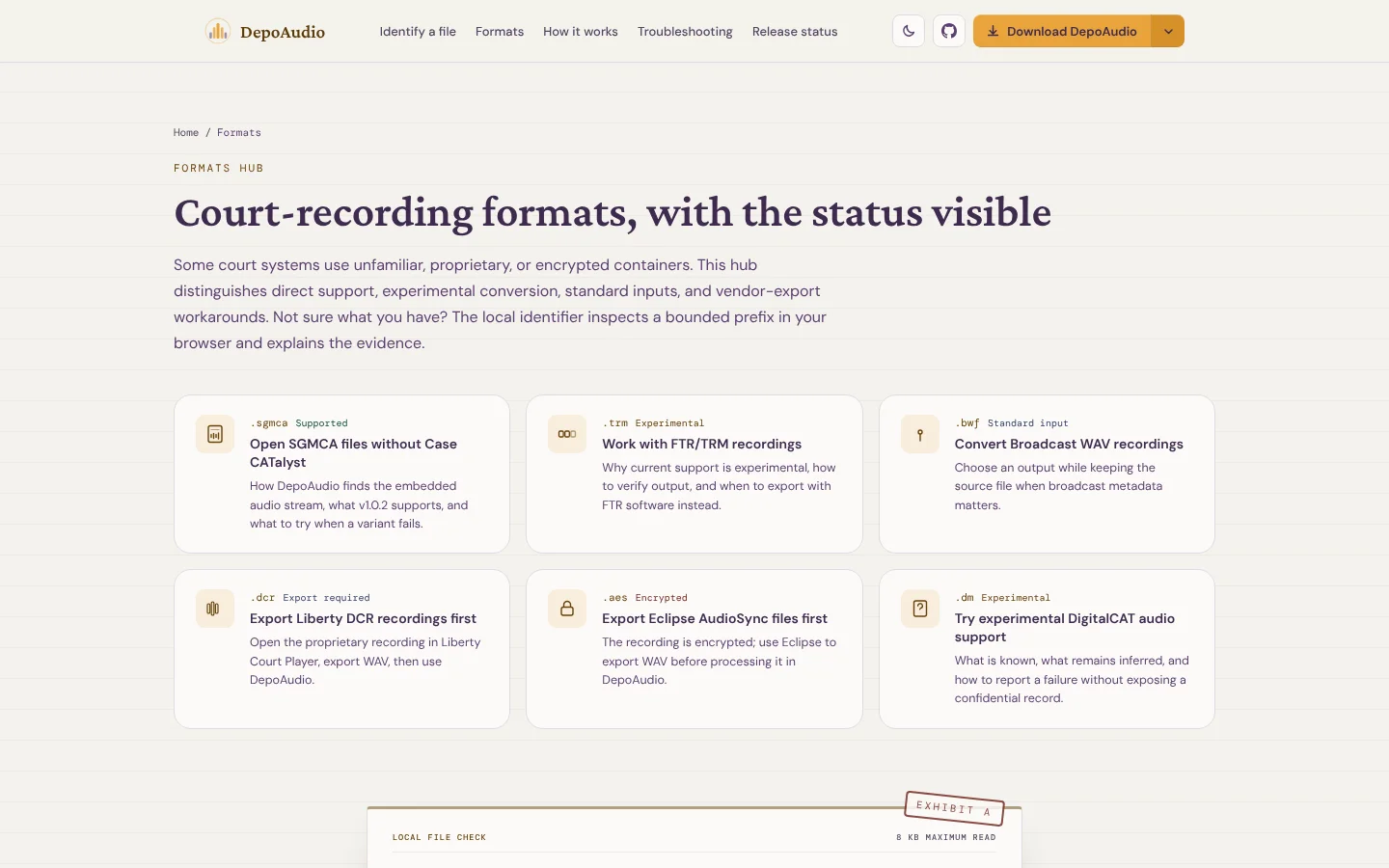
Court recordings arrive in vendor-specific containers such as SGMCA and FTR/TRM, or as metadata-rich Broadcast WAV files. Ordinary tools can open BWF as WAV audio, but they may not interpret a vendor-specific container or a multi-file session. The recording can be right there and still difficult to use in the next part of the workflow.
I wanted a local conversion path that did not require uploading the recording or buying a full suite just to make a working audio file. Some formats still need an export from the creating software. That is a useful fallback, and the original recording stays the source to check against.
The decision: local, open source, and free
Legal audio is some of the most sensitive material there is — it's the record. DepoAudio's conversion and released cleanup run on the device without uploading the recording. Optional model installation can download files from GitHub; that download does not include the audio.
I open-sourced DepoAudio because tooling for the legal record shouldn't be a black box. If it touches the record, you should be able to see exactly what it does to it. The source is public, and the app is free.
It uses Tauri: a Rust core, a React front end, and FFmpeg for decoding and encoding. That combination supports Windows and macOS without sending audio to a server.
What exists now
DepoAudio v1.0.2 converts supported inputs to WAV, MP3, FLAC, Opus, or M4A on your machine. FTR/TRM handling remains experimental because delivered variants differ. Conversion needs no account or subscription and does not upload the recording.
It's more than a converter. The library organizes audio by case and session, with editable channel roles, so the audio that backs a transcript stays findable months later instead of becoming another untitled blob in a downloads folder.
File-size safety limits and format limitations still apply. The professionals who produce the record should be able to inspect both the software and its boundaries.
What's still open
The hard part was recognizing delivered format variants and mapping supported inputs onto standard outputs. FTR/TRM remains experimental because those variants differ.
It's the first thing shipped under DepoStack — the proof that on-device, vendor-neutral software for the people who produce the record is something I'll actually build, not just talk about.
Evidence